One-click page overlay
Translate the visible Kindle manga page without leaving the reader.
Live manga translator for Kindle
Open your Japanese manga in Kindle Cloud Reader. MangaHalo adds a temporary English layer over the page, so you can keep reading in place.
Built in Japan for Japanese Kindle manga. Japanese text recognition tuned for vertical dialogue, small text, and manga-style lettering.

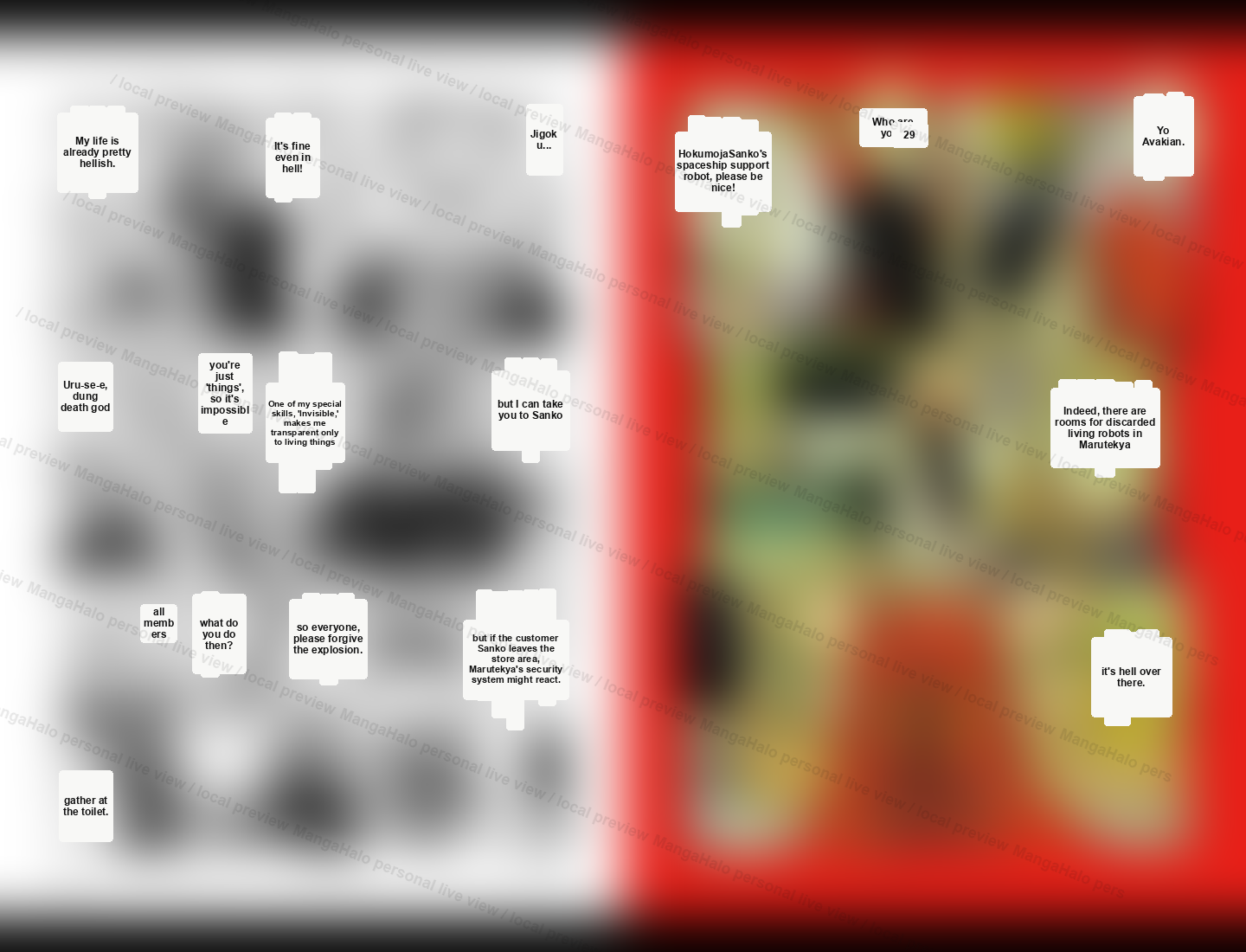
Example Pages
Original demo pages show the same live overlay idea across fantasy dialogue, school mystery, rooftop action, food scenes, and dense sci-fi panels.
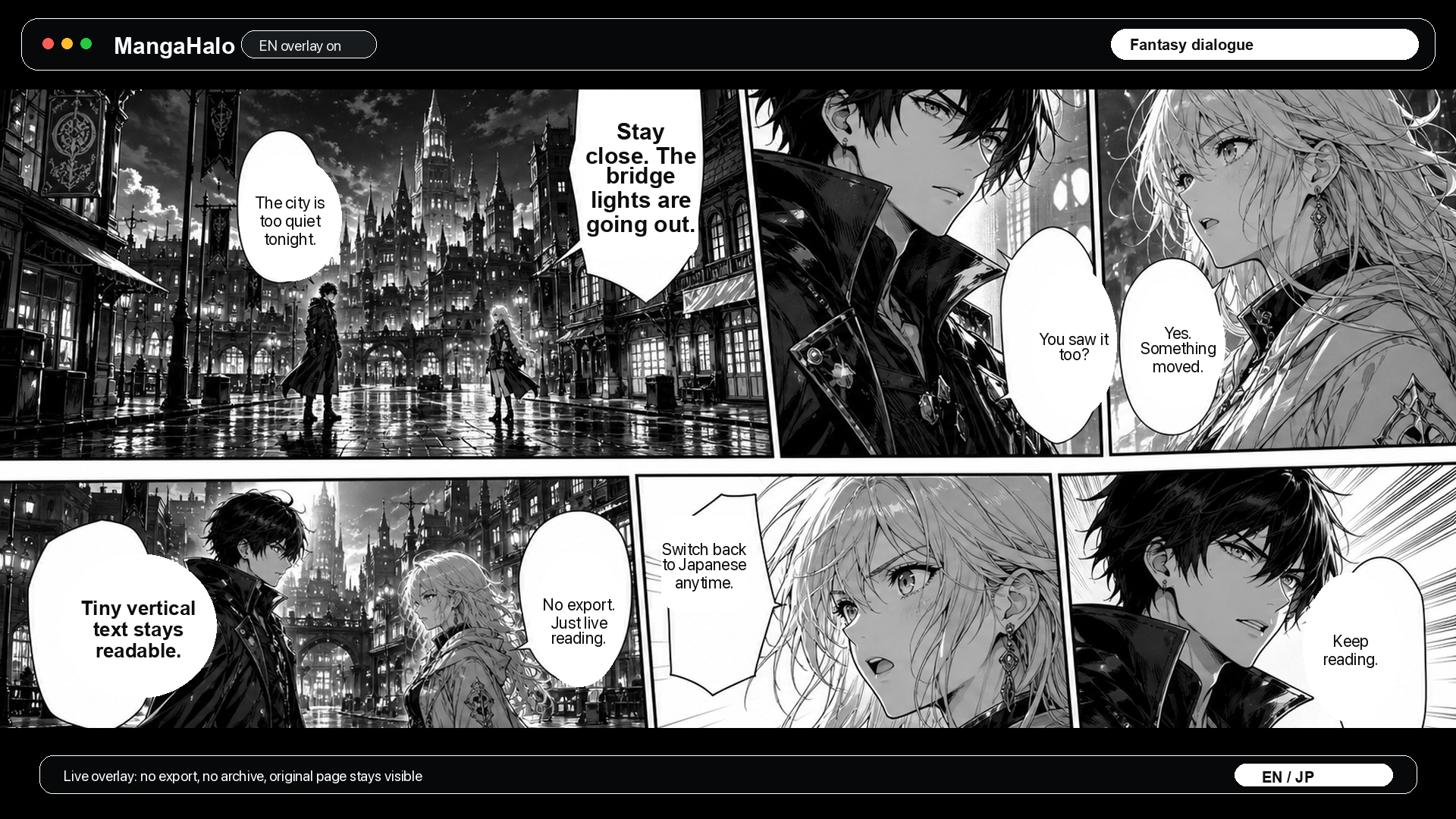
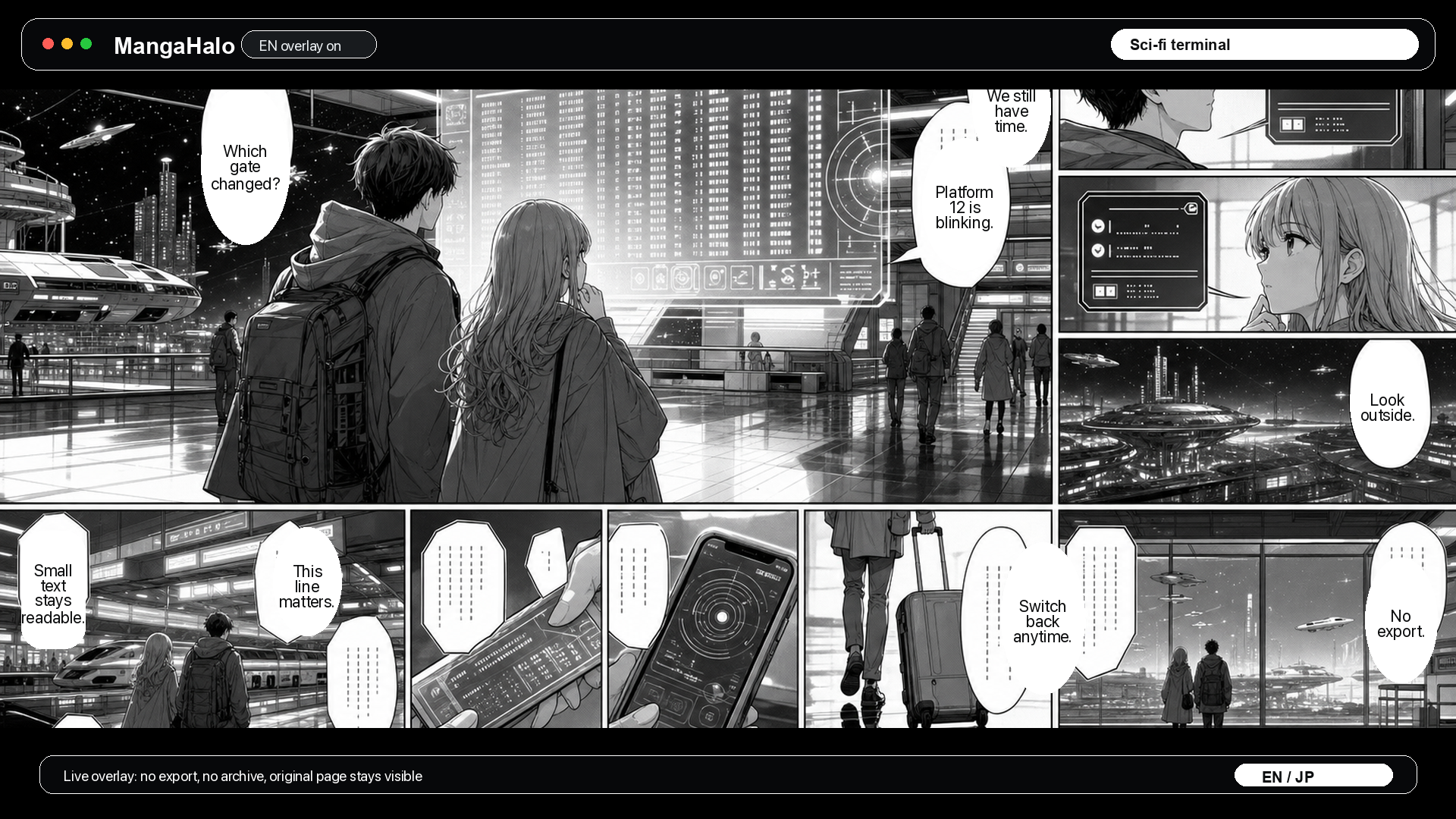
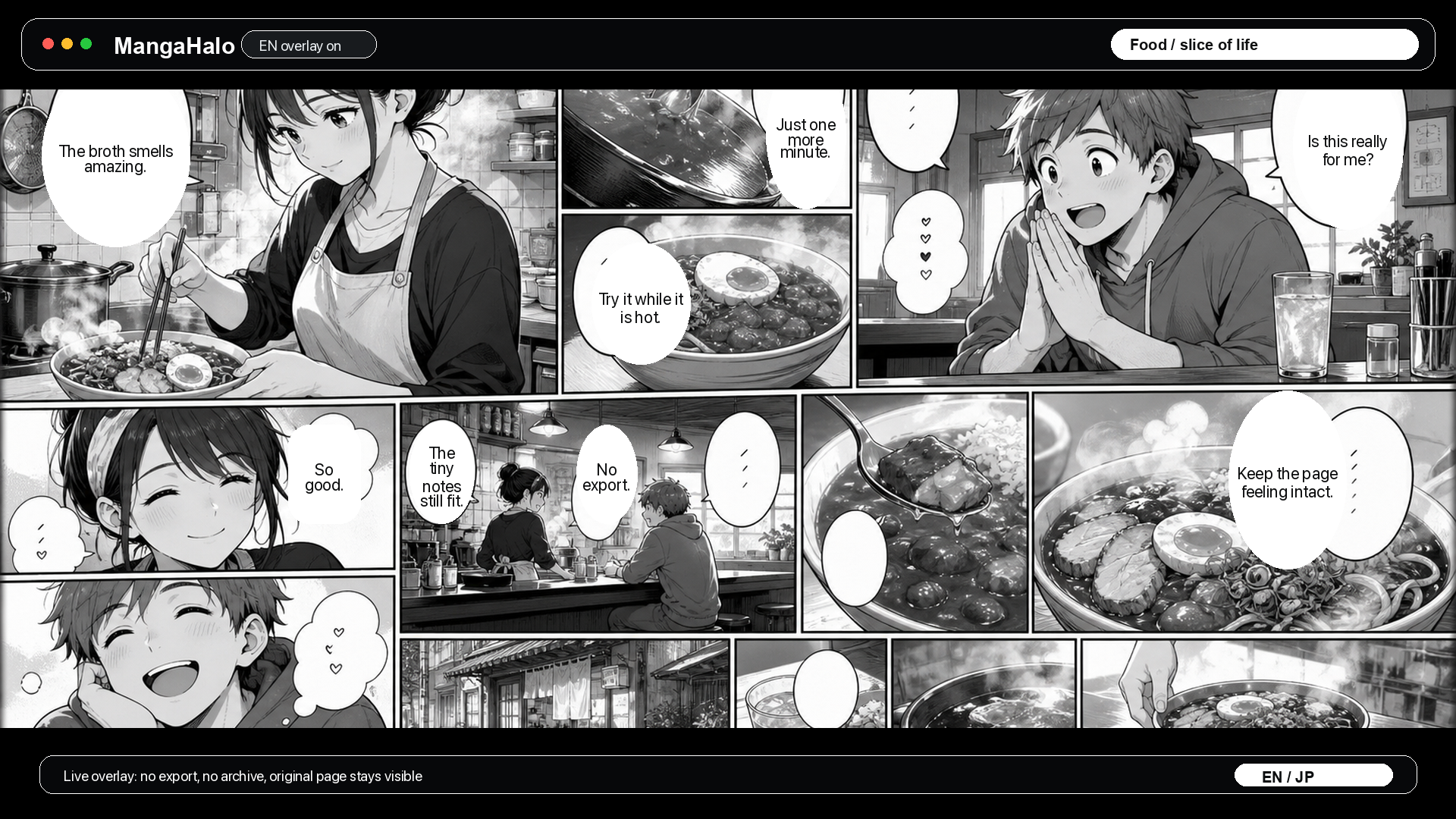
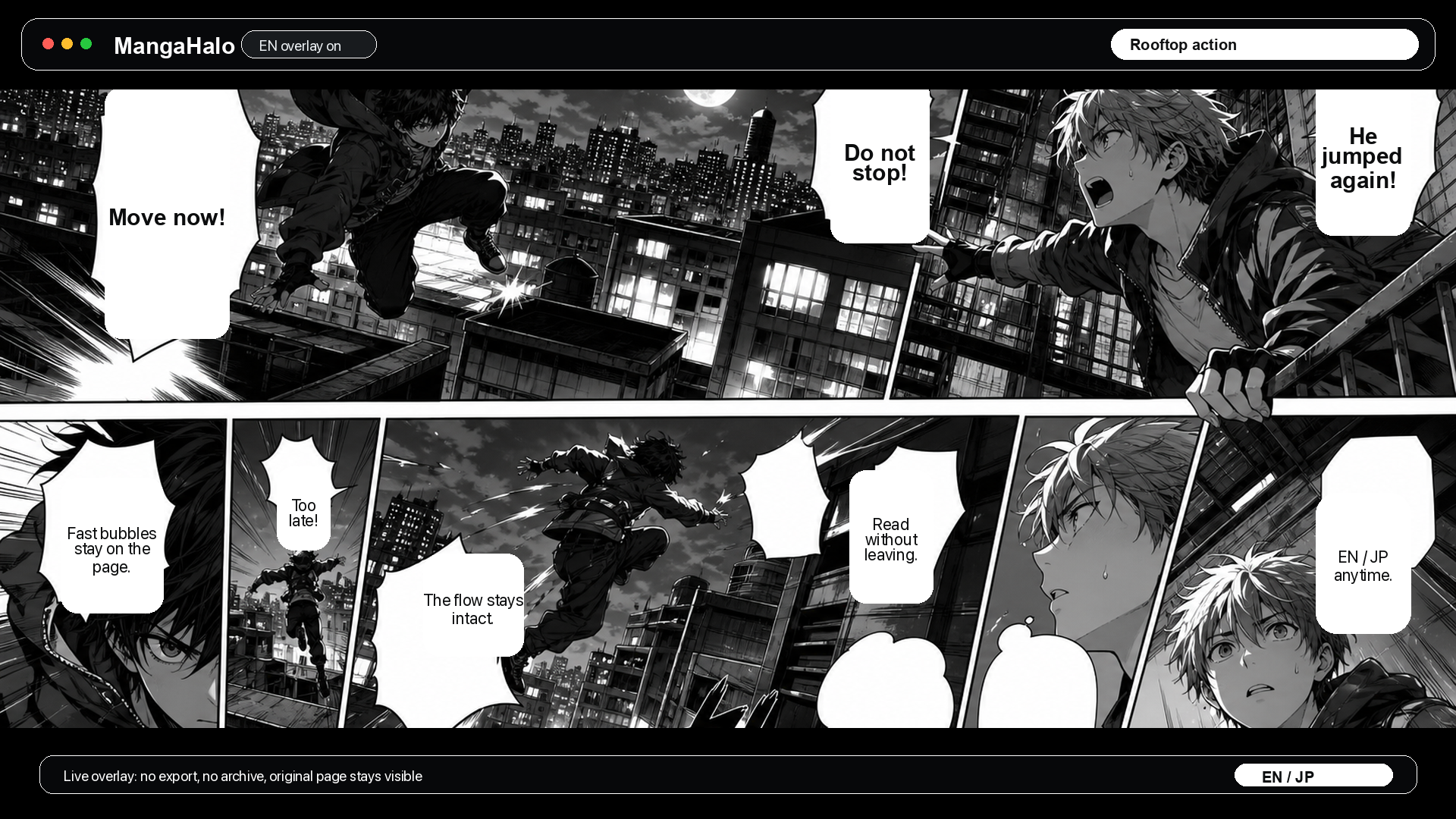
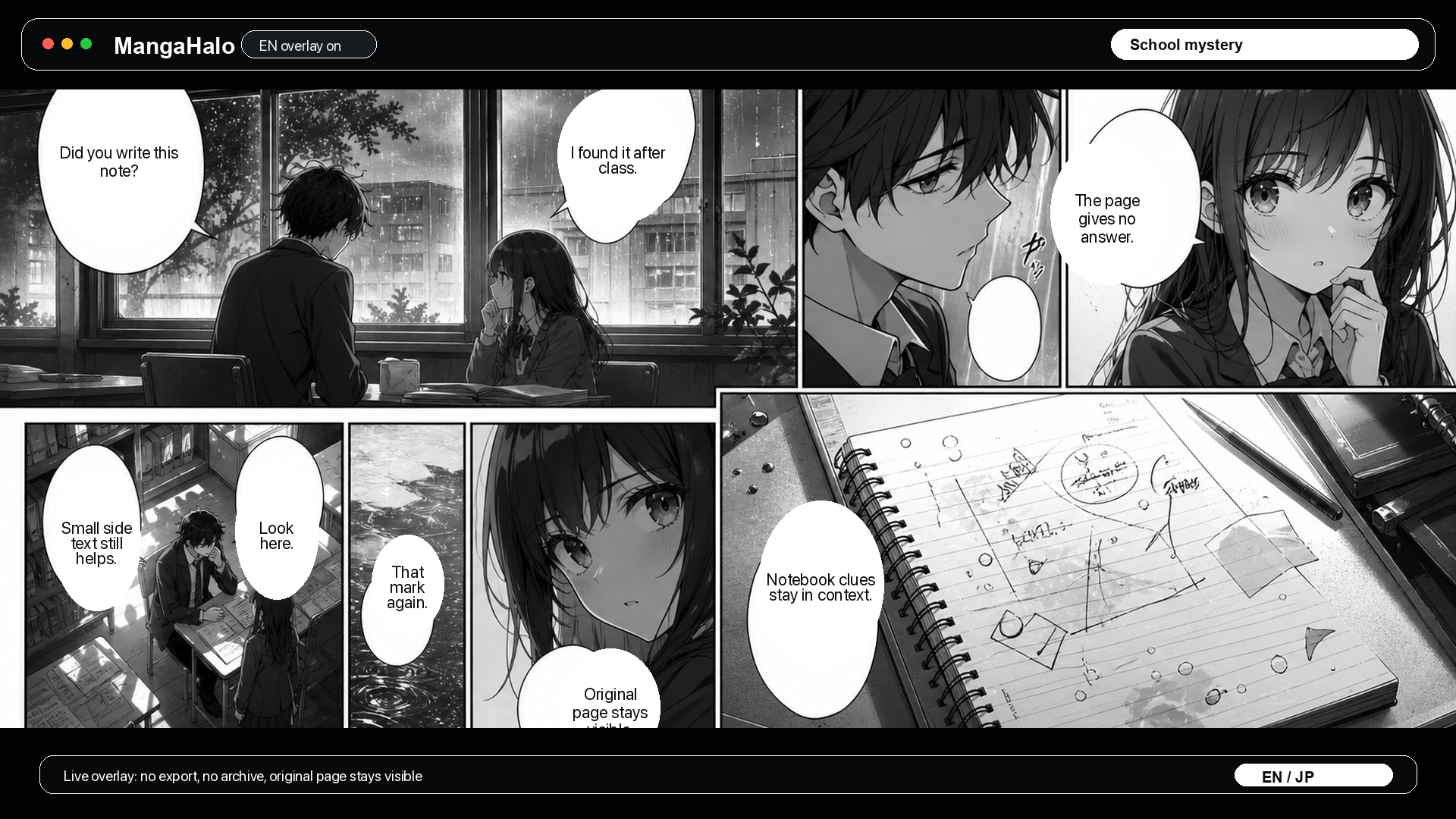
Original demo artwork. MangaHalo remains a live on-screen reading aid, not an export tool.
What Matters
Translate the visible Kindle manga page without leaving the reader.
Tuned for speech bubbles, small side text, and dense manga pages.
Hide the overlay anytime and check the original Japanese.
Use the English layer while reading without creating translated manga files.
How It Works
Use the Japanese manga page already open in Kindle Cloud Reader.
MangaHalo processes the visible page and prepares the overlay.
Small English text appears on top of the current manga page.
Why I Built It
MangaHalo started from a simple reading problem: when the Japanese Kindle volume is available through a supported region, reading it can still mean pausing every few panels to check a line somewhere else.
I wanted something quieter. Keep the original Kindle page open, add just enough English to stay with the story, and let the Japanese page come back with one toggle.
That is why MangaHalo is built in Japan for Japanese Kindle manga, and why it stays a temporary on-screen overlay instead of becoming another export tool.
Personal live reading aid
MangaHalo is a temporary on-screen overlay for manga pages you can already open in Kindle Cloud Reader. No translated image exports, PDFs, or page archives.
FAQ
MangaHalo translates the visible Japanese manga page in Kindle Cloud Reader and displays a temporary English overlay in the browser.
No. MangaHalo is a live reading aid. It does not create translated image exports, PDFs, full-book text exports, or page archives.
No. MangaHalo works from the Kindle manga page already open in your browser, so you do not need to switch to a separate translation tab.
MangaHalo is most useful when you can legally open the Japanese Kindle manga volume through Amazon.co.jp or another supported Kindle region, but the English ebook volume is delayed, behind, region-limited, or unavailable.
Yes. The EN / JP toggle lets you hide the English overlay and return to the original Japanese page.
MangaHalo is focused on Kindle Cloud Reader and Kindle for Web manga pages in Chrome.
Official Access
Learn how to check whether Amazon.co.jp has the Japanese Kindle edition before the English ebook reaches your local store.
Demo
Watch MangaHalo run on a Kindle manga page, switch the English layer on, and return to the original Japanese when needed.